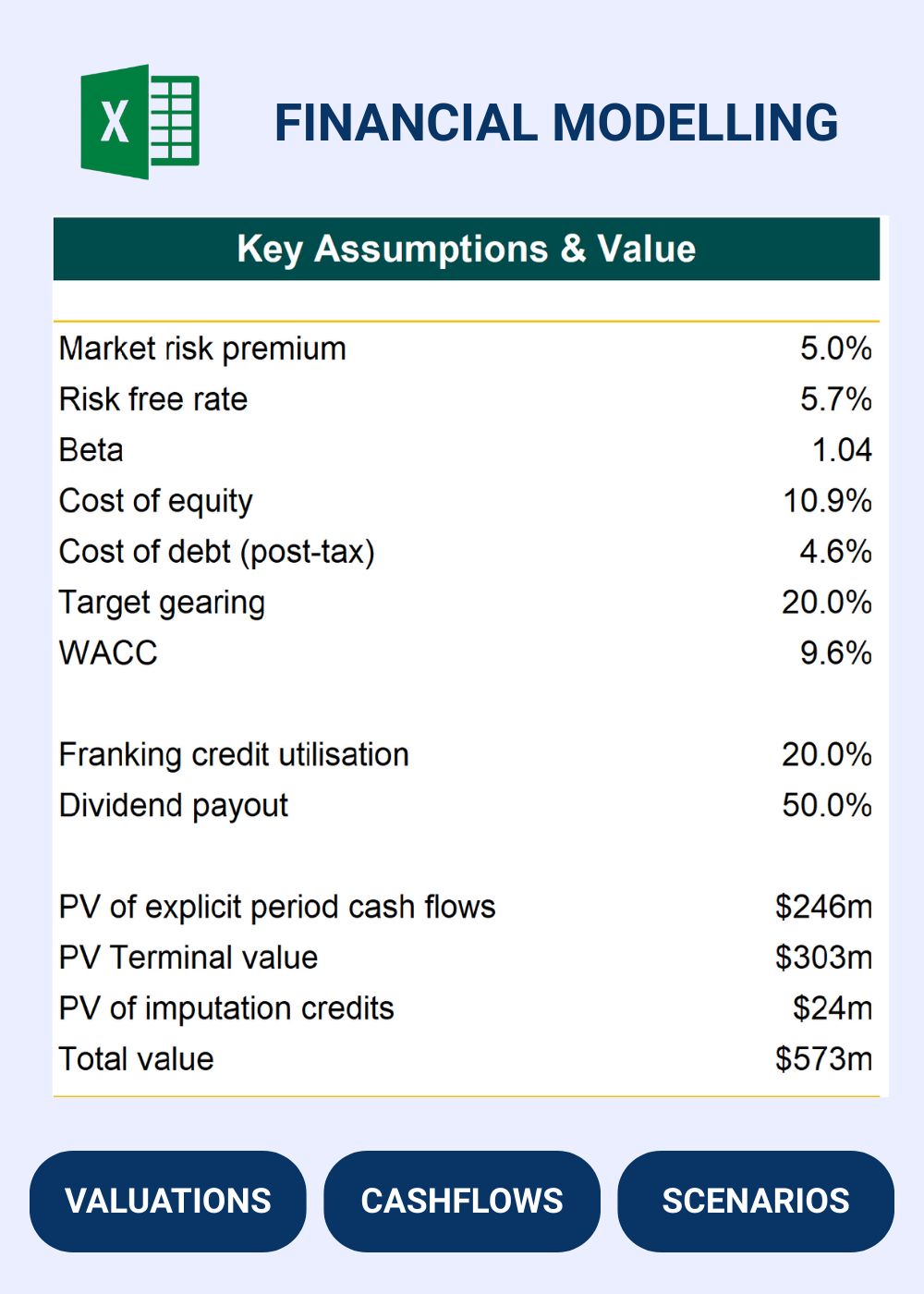
Financial models for non-equity funding, revenue based funding, asset backed loans for startups and early stage ventures with inventory, raw materials and production processes and inputs.
Startup founders, CFOs and shareholders looking to raise capital and needing to show growth and valuation metrics.
Investment bankers, corporate finance students looking to build their financial modelling skills and value mergers, acquisitions, divestments and EPS accretion.
Venture capital and investment fund managers looking to invest in startups and ventures focused on businesses that manufacture products and have more complex operating inputs.
Packed with Features
Values
All our models and courses and packed with value-add features
Our models are built based on experience with investment banking, venture capital and investment appraisal.
Separated tabs
Financial models can be complex and ours are fully featured – we separate out each key element of the model into separate tabs.
Detailed
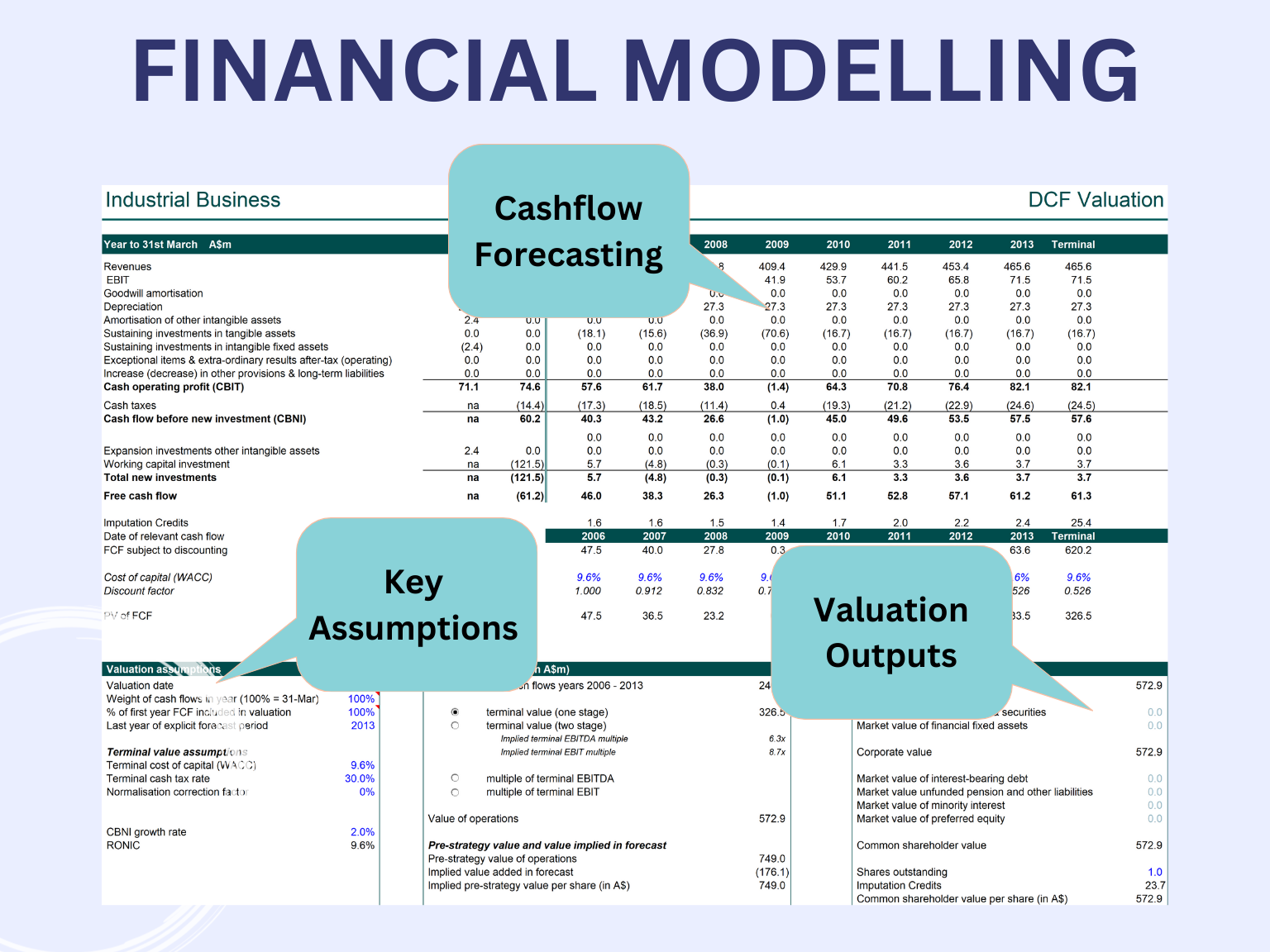
The financial models are packed with detail as is needed for complex inputs, cashflows, debt repayments, equity funding and undertanding the value outputs.
Logic Based
Each model is built on the logical flow of key driver assumptions that flow through to earnings and cashflows. This allows valuations and equity / debt instrument cashflows to be assessed.
Customisable
You can modify not only the assumptions but also the model structure and add any output graphs or tables that you need.
Built in Excel
Excel is the standard for the finance industry and our models are built in Excel with clear formulas and layouts so they are easy to audit.
Funding Hardtech Ventures with Revenue Based Funding
Our courses include step by step guidance on how to build M&A, startup forecasting, DCF valuation and cap table management models and all include the Excel template for you to modify and customise.
Identifying the right revenue and value drivers is a critical part of presenting the outputs of your financial model to investors and stakeholders.
2
Funding Needs
Identify whether non-equity funding is suitable for the venture, the interest cost and compare this with traditional equity based venture capital.
3
Sensitivity Analysis
All financial models are a representation of the drivers of real world venture economics - use these models to showcase sensitivities and value ranges for C-Suite decision makers.